
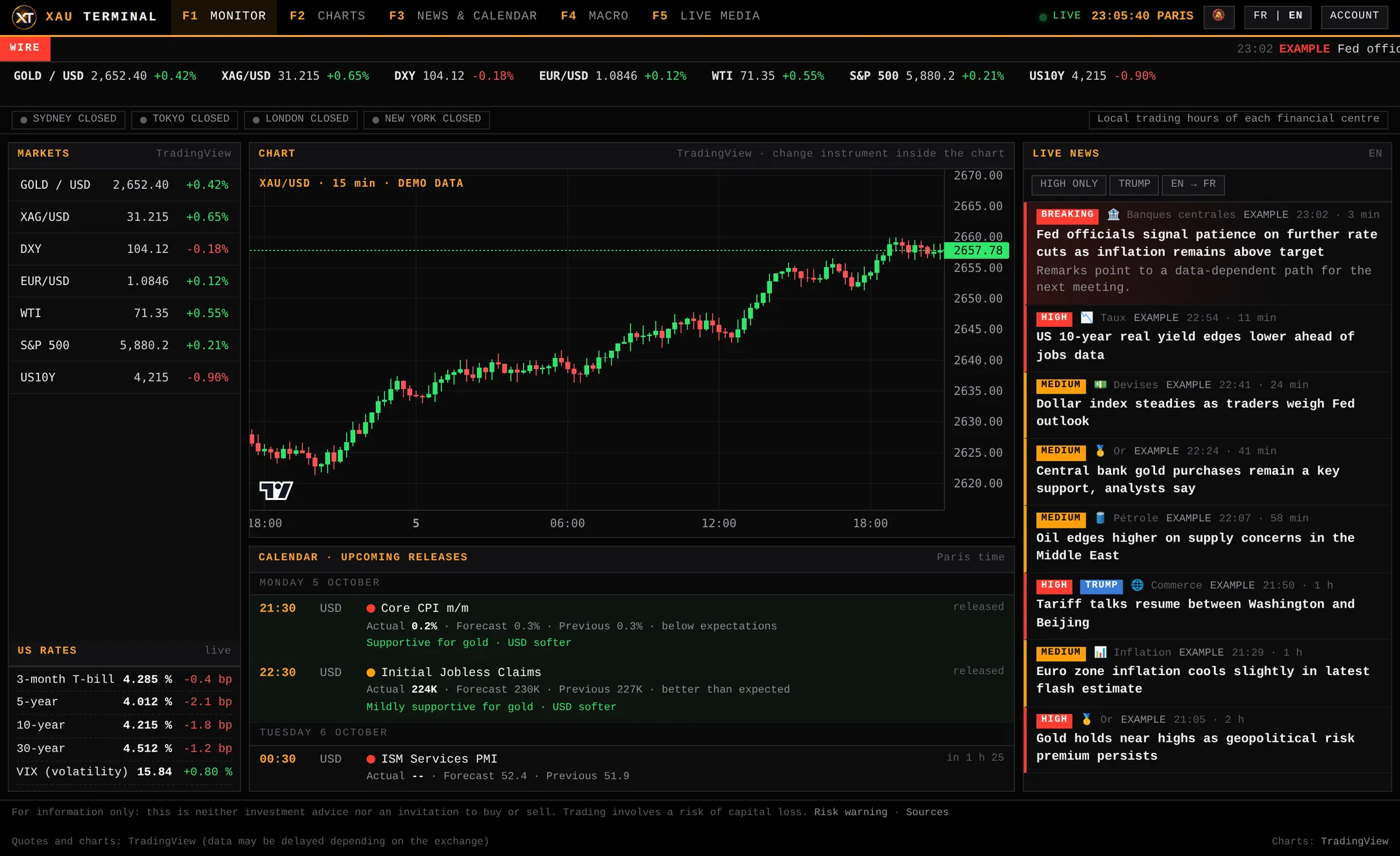
What a gold-dedicated terminal brings together
In practice, following gold means juggling a chart, a calendar, a news site, rate data and sometimes a live news video. A dedicated terminal brings these blocks together and organises them around a single asset. XAU Terminal is built around five blocks:
- Monitor: the key quotes around gold, including the dollar and live US yields.
- Charts: TradingView charts, to read the price across several timeframes.
- News and calendar: an impact-ranked feed and an economic calendar with an indicative impact reading, in Paris time.
- Macro: real yields, COT positioning, Fed policy and geopolitical-risk tracking.
- Live media: a live news video so the context stays in front of you.
The aim is not to cover every market but to show what moves gold, with a hierarchy that cuts the noise. To understand the approach, see the guide on what a market terminal is.
An example session on one screen
Before the US open, the trader checks the calendar: an inflation release is due in the early afternoon, Paris time. They look at the dollar and yields in the monitor, reread the impact-ranked news, then open the chart to mark the levels they are watching. At the release they see the gap to forecast, the indicative impact reading and the price reaction. No tab to reopen, and a decision that stays their own.
Who is it for?
The terminal is aimed at retail XAU/USD traders who want everything on one screen rather than a dozen browser tabs: those who prepare their session with the calendar, follow Fed news or want to link a price move to its likely cause. It also suits people who watch gold without trading it and simply want to understand the market.
It is offered in French and English. It does not target professionals who need multi-asset coverage with very deep data: for them, general-purpose terminals serve different needs.
Web edition and Windows app linked to MetaTrader 5
XAU Terminal comes as a web edition, accessible from a browser, and as a Windows application linked to MetaTrader 5. The link connects the application to your own MetaTrader 5: if you decide to, orders go through it, not through the tool.
Important points: the terminal is an information tool and not a broker. Any orders are placed through your MetaTrader 5, with your broker, and under your sole responsibility. The tool gives no investment advice and no buy or sell signals: impact readings are indicative.
Transparency, free trial and subscription
Where the data comes from is detailed on the Sources page. Quotes are indicative and may differ from your broker’s. Access works through a monthly subscription, with a free trial to judge whether the tool is useful; see the pricing or download the app.